Track time the way you want...
| |
Choose the tracking style that works best
for each person on your team. |
|
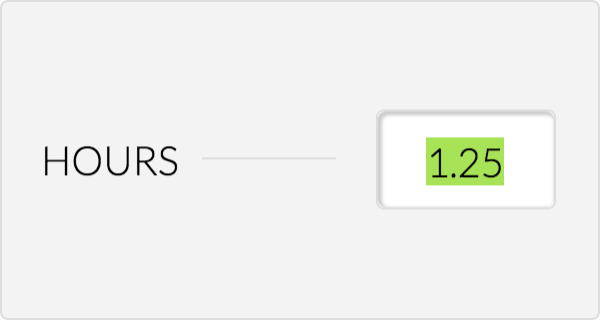
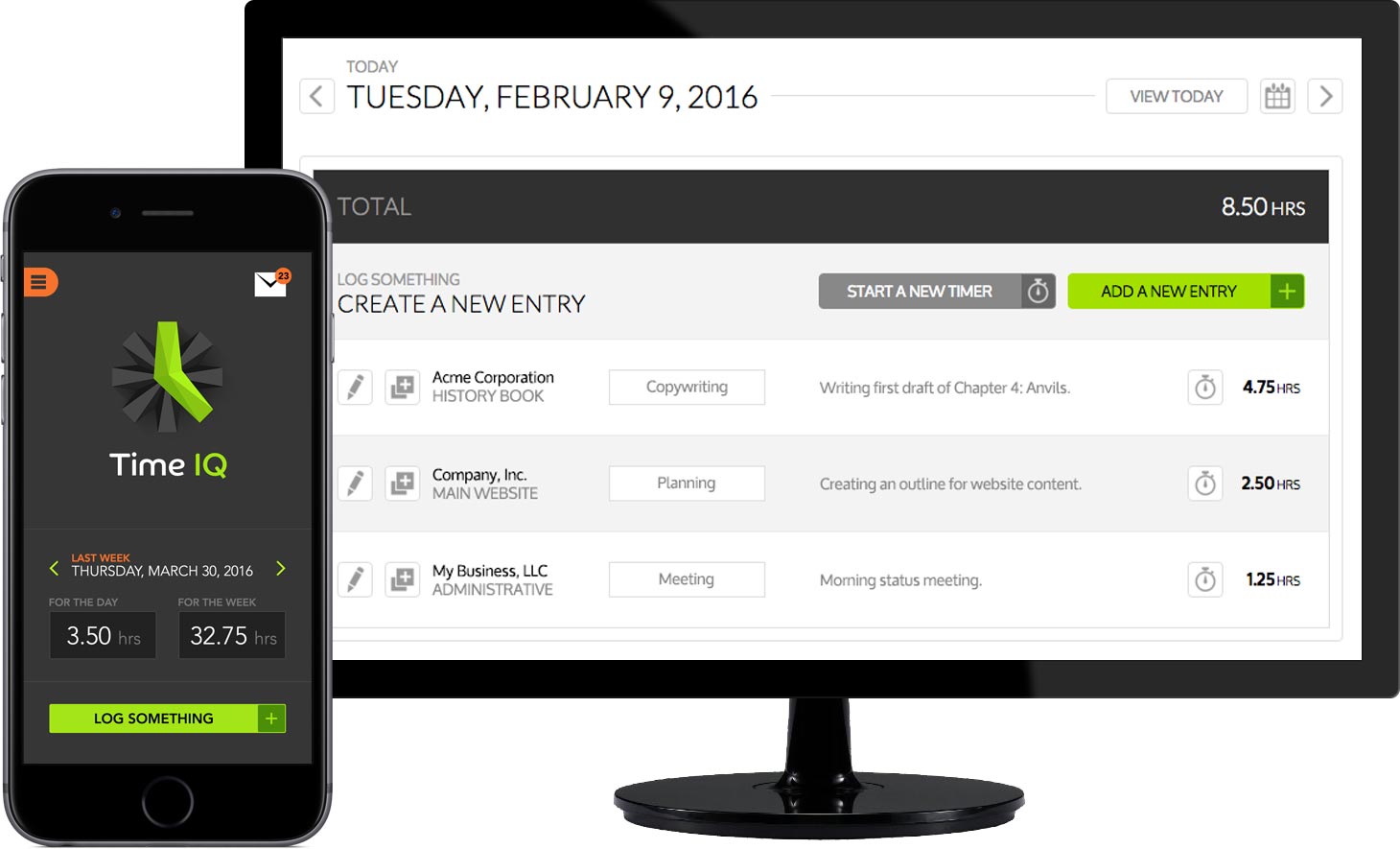
Enter hours worked
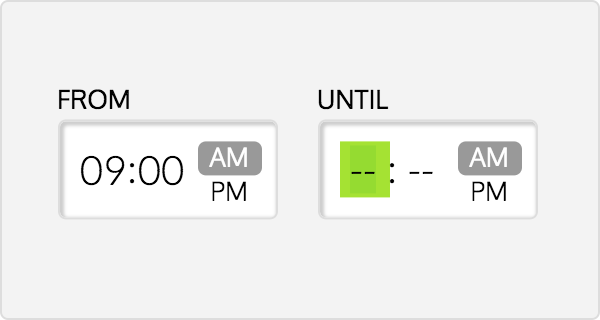
Start & end time
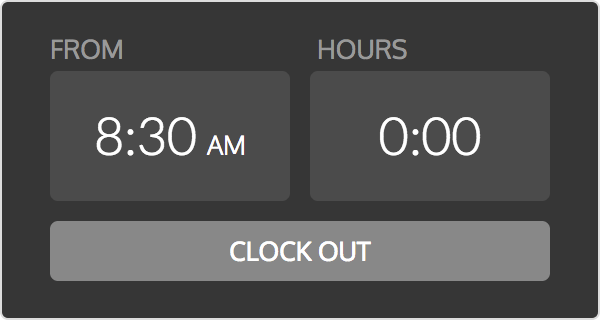
Clock in/out
Timer-based tracking
Start timers with one click to automatically keep
track of how long you have been working.
...with as much detail as you need
| |
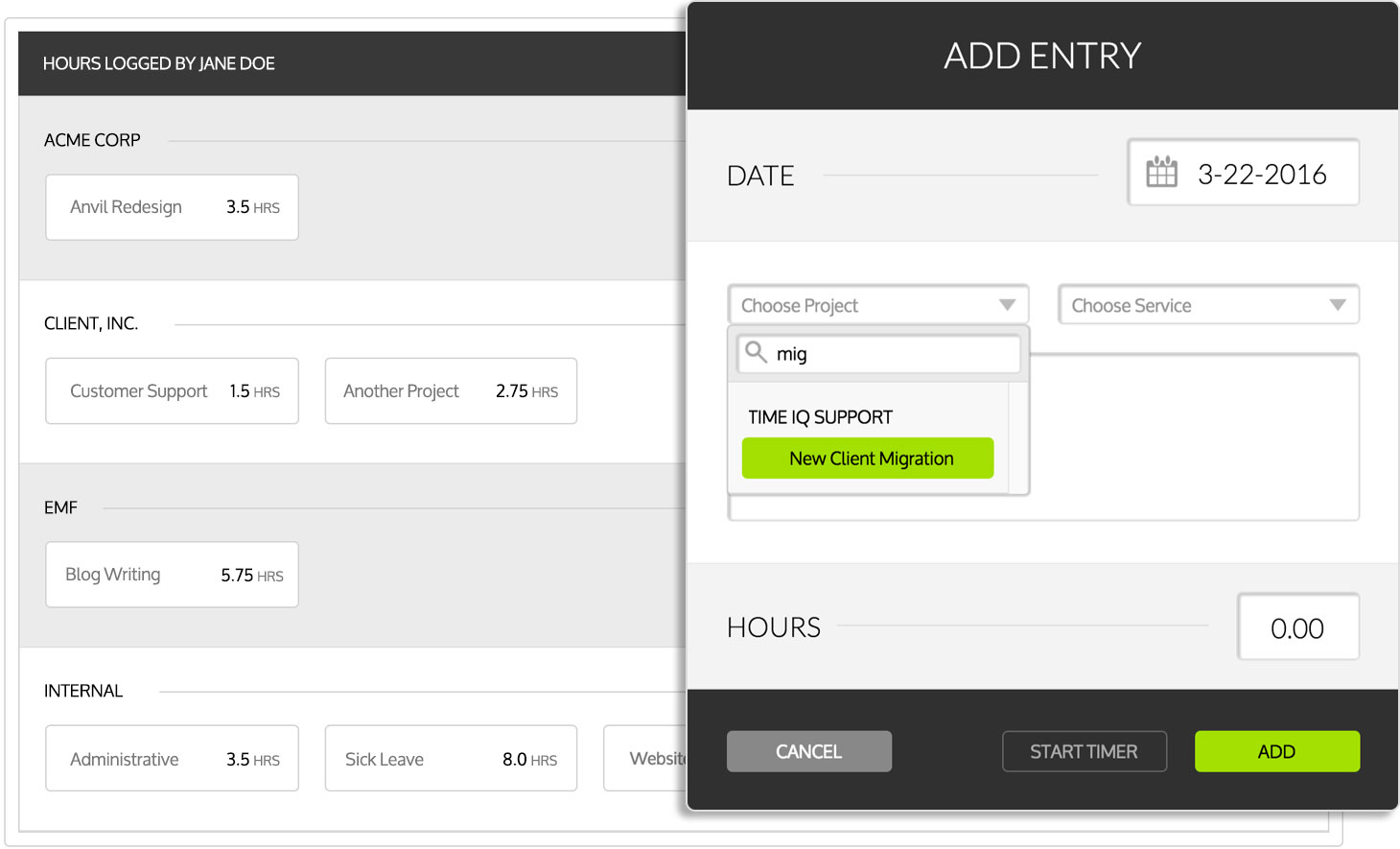
Keep track of which projects your team is working on,
and accurately account for all of their hours. |
|

Unlimited clients & projects
Service tracking
Add notes for more detail
Keep track of exactly what you were doing to
help with accounting for your time.
We will help you make sure it gets done.
| |
Time IQ will help you make sure everybody is on board
and logging time based on the guidelines you set. |
|
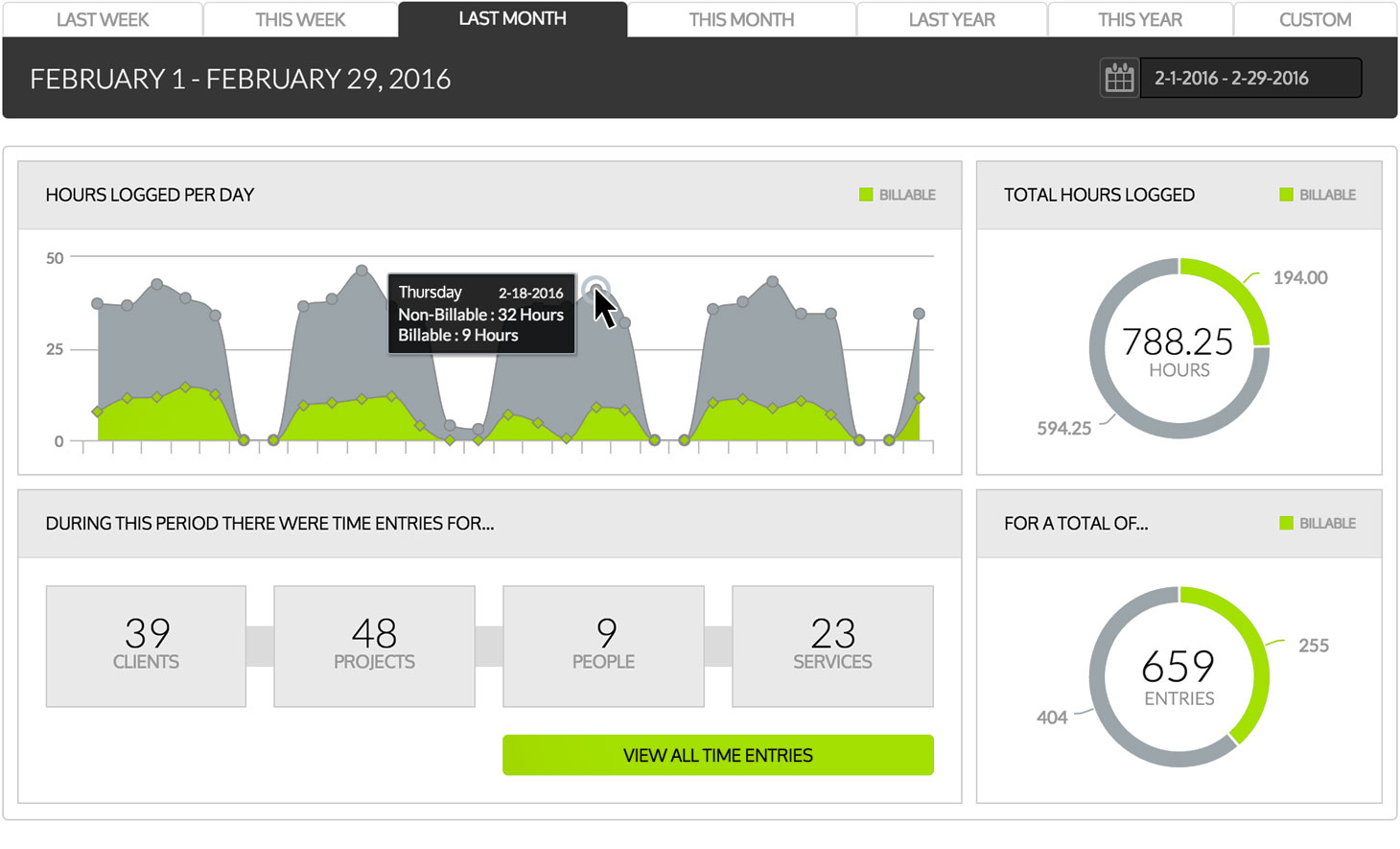
Our administrative tools will let you see at a glance
who is up to date on their timesheets, and who is behind.
Automatic and targeted email reminders will help you keep ou team engaged.
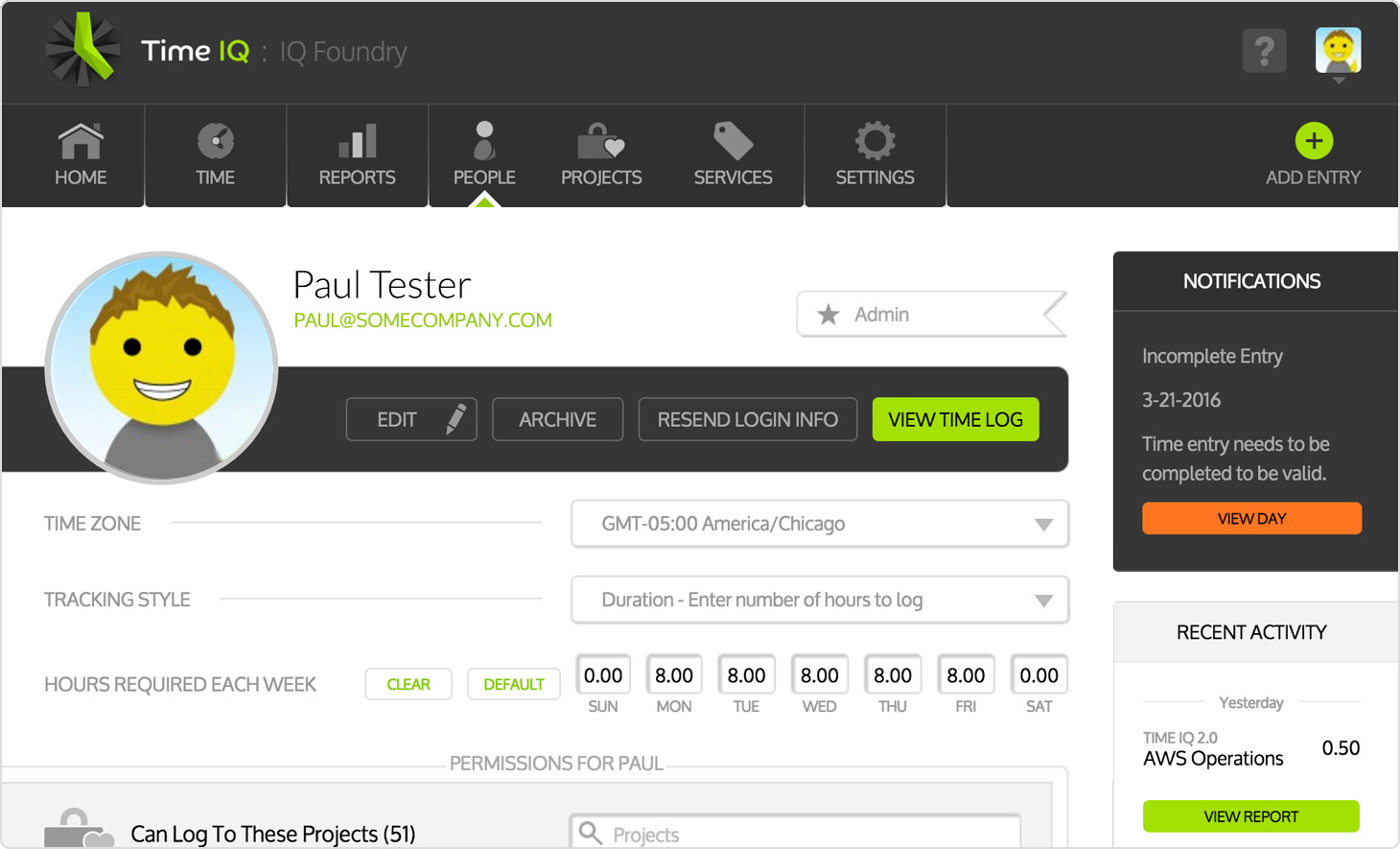
Set required hours
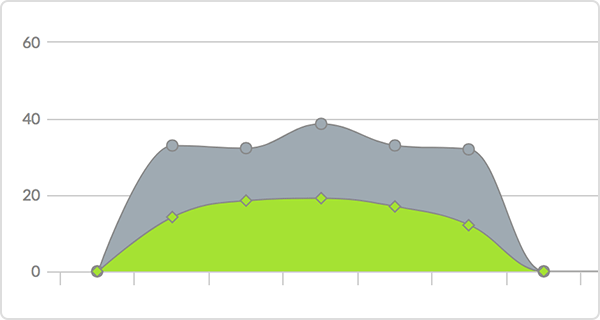
Realtime activity report

Email reminders
Lock timesheets on your schedule
Schedule when you would like timesheets to automatically lock to prevent employees from making changes.
100% FREE to try
Make your billing and timesheet hassles a thing of the past. Try Time IQ today!
Fully functional 30-day trial! No credit card required. Cancel anytime.
©2005-2026 Time IQ LLC. All Rights Reserved.
Phone: 608.237.1541